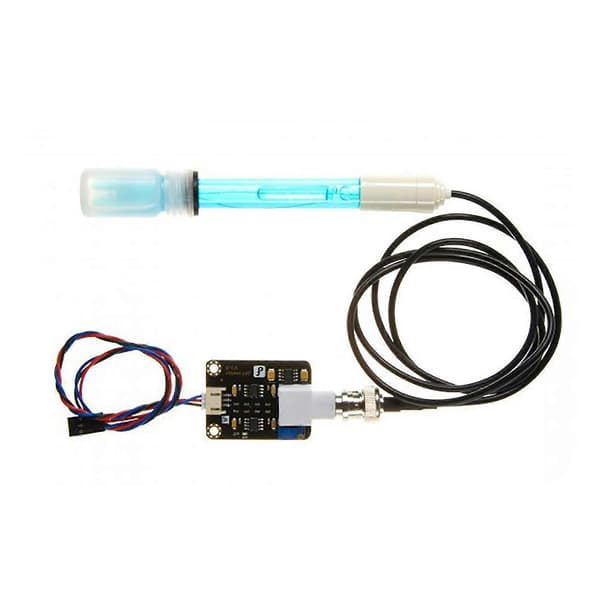
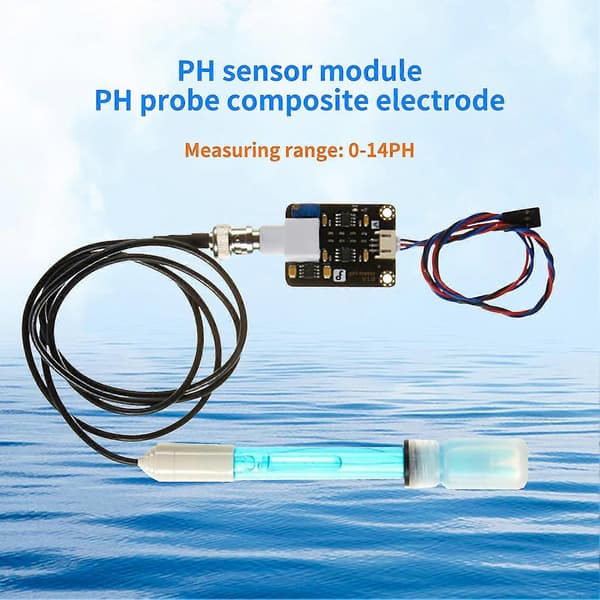
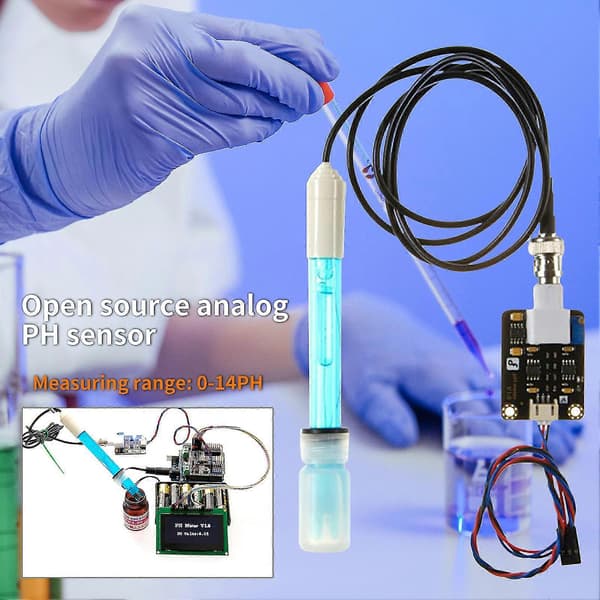
The PH sensor module features high accuracy, which can help you measure the PH value accurately. The PH sensor module is designed with indicator light, XH2.54 interface and BNC interface, and is convenient to use. Made of plastic and metal, the PH sensor module is durable and hard to use. The length of the PH sensor module is 4.3cm and width is 3.2cm. The PH sensor module is especially suitable for Arduinos. Item Name: PH Sensor Module Material: Plastic, Metal Color: Black Module Power Supply: +5.00V Measuring Range: 0-14PH Measuring Temperature: 0-60 Degrees Celsius Accuracy: 0.1PH (25 Degrees Celsius) Response Time: 1min Interface: BNC, XH2.54 (3-pin patch) Features: Fine Workmanship, Accurate, Fast Response Size Details: 4.3cm x 3.2cm/1.69 \" x 1.26 \" (Approx.) Notes: Due to the light and screen setting difference, the item's color may be slightly different from the pictures. Please allow slight dimension difference due to the manual measurement. Please Note: 1, Please use an external power supply to make the voltage as close to +5.00V as possible. The more accurate the voltage, the higher the accuracy 2, The electrode must be calibrated with a standard buffer solution before each continuous use. In order to obtain more accurate results, the ambient temperature should be around 25 degrees Celsius. If the sample you are measuring is acidic, please use a pH4.00 buffer solution to calibrate the electrode. If the sample you are measuring is alkaline, please use a pH9.18 buffer solution to calibrate the electrode. 3, The pH electrode must be cleaned with running water for each measurement with a different pH. It is recommended to use deionized water for cleaning. Usage: 1, Connect the pH electrode to the BNC interface of the pH sensor board, and then use the analog cable to connect the pH sensor board to the analog port 0 of for Arduinos main controller. After for Arduinos main controller is powered on, the blue indicator light on the pH sensor board will light up. 2, Write the sample code to for Arduinos main controller. 3, Insert the pH electrode into the standard solution with a pH value of 7.00, or directly short-circuit the two input ports of the BNC interface, open the serial monitor of for Arduinos IDE, the pH value will be printed at this time, and the error will not exceed 0.3. Record the value printed at this time, and then compare with 7.00, change the difference to Offset in the program. For example, if the printed pH value is 6.88, the difference is 0.12. In the example program, change define Offset 0.00 to define Offset 0.12. 4, Insert the pH electrode into the calibration solution with a pH value of 4.00. After waiting for one minute, adjust the gain potentiometer to make the printed pH value as stable as possible around 4.00. At this time, the acid section calibration has been completed, and the pH value of the acid solution can be tested. 5, According to the linear characteristics of the pH electrode itself and after the above calibration, the pH value of the alkaline solution can be directly measured. However, if you want to obtain better accuracy, it is recommended to calibrate again. The alkaline section is calibrated with a standard solution with a pH of 9.18, and the gain potentiometer is also adjusted to stabilize it at about 9.18. After calibration, the pH value of the alkaline solution can be measured. Package Includes: 1 x PH Sensor Module 1 x Detection Probe 1 x Connecting Cable