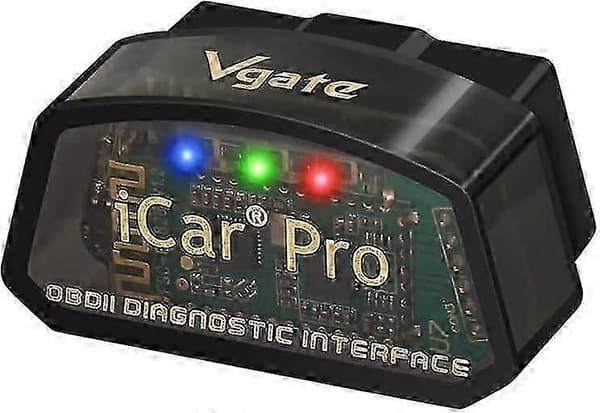
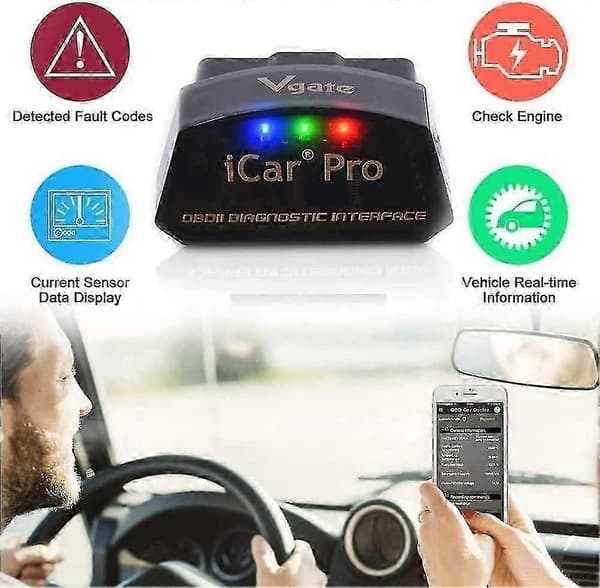
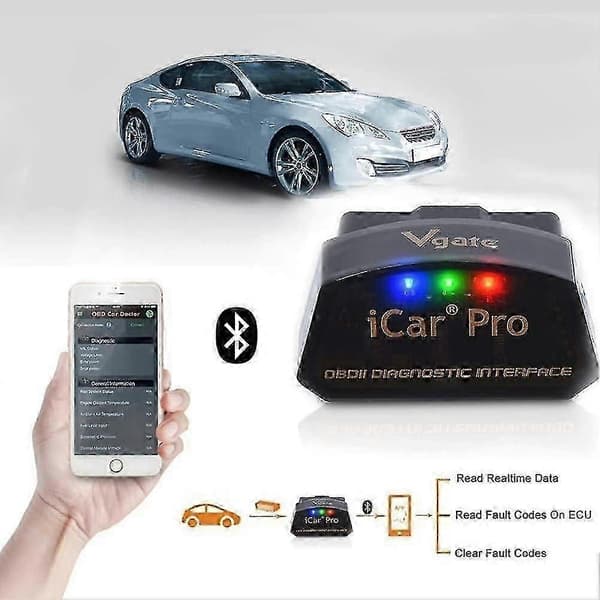
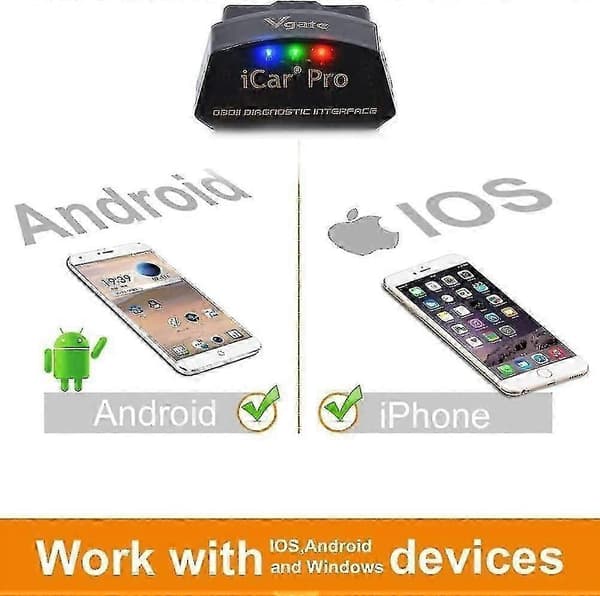
Vgate car scanner for your needs! We believe that everyone who loves cars can become a professional mechanic. Previous pageNext page Fully compatible with all OBD2 protocols and commands, offering a unique automatic sleep/automatic wake-up function that reduces power consumption to almost nothing. Protect the lifespan of your car battery. Please note that the \"Automatic wake-up function\" does not support vehicle types: hybrid vehicles/pure electric vehicles. --- Function description-- Read both generic and manufacturer-specific fault codes. Fast ARM processor with up to 30 PIDs per second. Read real-time ECU sensor data (engine RPM, fuel system status, fuel pressure, oxygen sensor voltages, and many readable parameters for your vehicle). Prepare for emission testing. Read and clear fault codes, turn off MIL (check engine light). Display freeze frame data and I/M readiness monitors. When using Vgate iCar Pro BLE4.0 with an excellent OBD2 app, exploring is even more fun! Warm tips: If you have any questions during use, please contact us via email. We can provide you with technical support when we receive your message. After the engine has been turned off for 30 minutes, the Vgate iCar Pro Bluetooth 4.0 enters sleep mode and does not drain the car battery. The sophisticated triggers activate the Vgate iCar Pro BLE4.0 when you connect via Bluetooth, unlock doors, or start the engine. Works with all OBD2/EOBD compliant vehicles. Compatible with all OBD2 communication protocols. EOBD vehicles (petrol cars from 2001 and diesel cars from 2003/2004 in Europe) and OBD2 vehicles (after 1996 in the USA and after 1998 in Canada). Our products are applicable to 12V petrol cars that are compatible with standard OBD2 protocols, as well as to 12V small diesel cars with a load of 6.5 tons or less that support OBD2 protocols. This device is not applicable to heavy 24V diesel vehicles (i.e., semi-trailers, tow trucks, etc.). These vehicles use a different program and our adapters are not compatible. APP for IOS Bimmercode, OBD Fusion, OBD Auto Doctor, OBD Car Doctor, JScan, etc. APP for Android Torque Pro, Torque Lite, JScan, OBD Fusion, OBD Auto Doctor, etc. NOTE: Connect to Android via a third-party application or iOS device. Depending on your needs, you can choose different cost ranges for apps. Vgate iCar Pro Bluetooth 4.0 If it is an Android system (the two names IOS-Vlink and Android-Vlink are displayed), it can only be connected with the name Android-Vlink. -------------------------------------- If it is an IOS system, the name IOS-Vlink is not displayed. Just enable the Bluetooth button on the IOS device and configure the Bluetooth device name in the OBD app settings. Connect the OBD2 Bluetooth adapter Connect the Vgate iCar Pro Bluetooth 4.0 OBD2 adapter to your car. Connect your phone Bluetooth must be enabled on your smartphone and connect via Bluetooth. Use the app and be ready for testing Note: Different apps have different functions. SAE J1850-PWMSAE J1850-VPWIISO 9141-2ISO 14230-4 (slow) ISO 14230-4 (fast)ISO 15765-4 (CAN)SAE J1939 (CAN)ISO 11898 (raw CAN) Professional OBD diagnosis #1 iCar series vLinker series vLinker series Battery pole series Low power consumption Vehicle compatibility app for IOS and Android Connection steps